Recognize patched shuttle and doorway problems, handle physical objects carefully and preserve a useful reproduction when something still fails.
Check the build before reconstructing the scene
Breathedge 2 received several launch fixes for physics, doors and transitions. If a character or object gets stuck, first check that the relevant Steam update has completed. Repeating an elaborate interaction on an older build can reproduce a problem that already has a fix. Updating does not prove every existing state will recover, but it is the right starting point before a fresh test.
Keep the test focused. Note where the problem occurs, what you were carrying and what action immediately preceded it. A door closing during ordinary movement is a different situation from a door reacting to several overlapping objects. A character stuck during a shuttle transition is different from one blocked by a loose prop. Describing the distinction helps you find the relevant note and makes a report useful if the fix does not cover your case.
Wait until the shuttle scene is finished
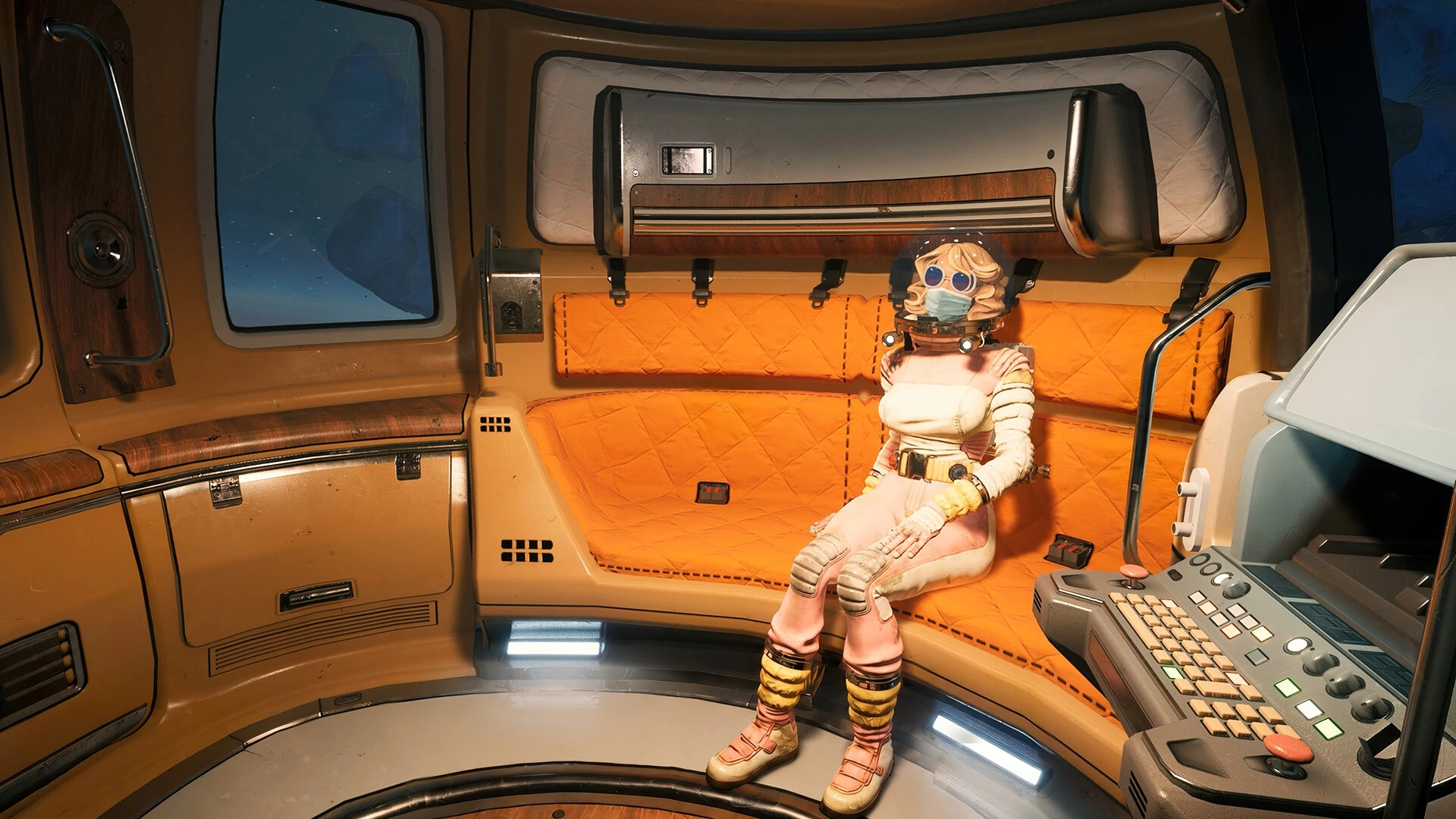
Version 0.8.7 changes saving at the end of the shuttle flight. Previously, saving before the character had risen from the couch could produce a broken load. Saving is now restricted until the character has fully exited the flight scene. If saving is unavailable at that moment, let the transition complete and control return before trying again.
Do not use repeated input or forced interruption as a first response to a brief transition. Give the normal scene a chance to finish. If it does not, record whether the camera moves, whether the menu opens and whether the same state occurs after loading an earlier point. Avoid overwriting the only useful evidence while experimenting. The official fix identifies a specific timing window; it is not a guarantee that every stuck-state report has the same cause.
Move objects through doors deliberately
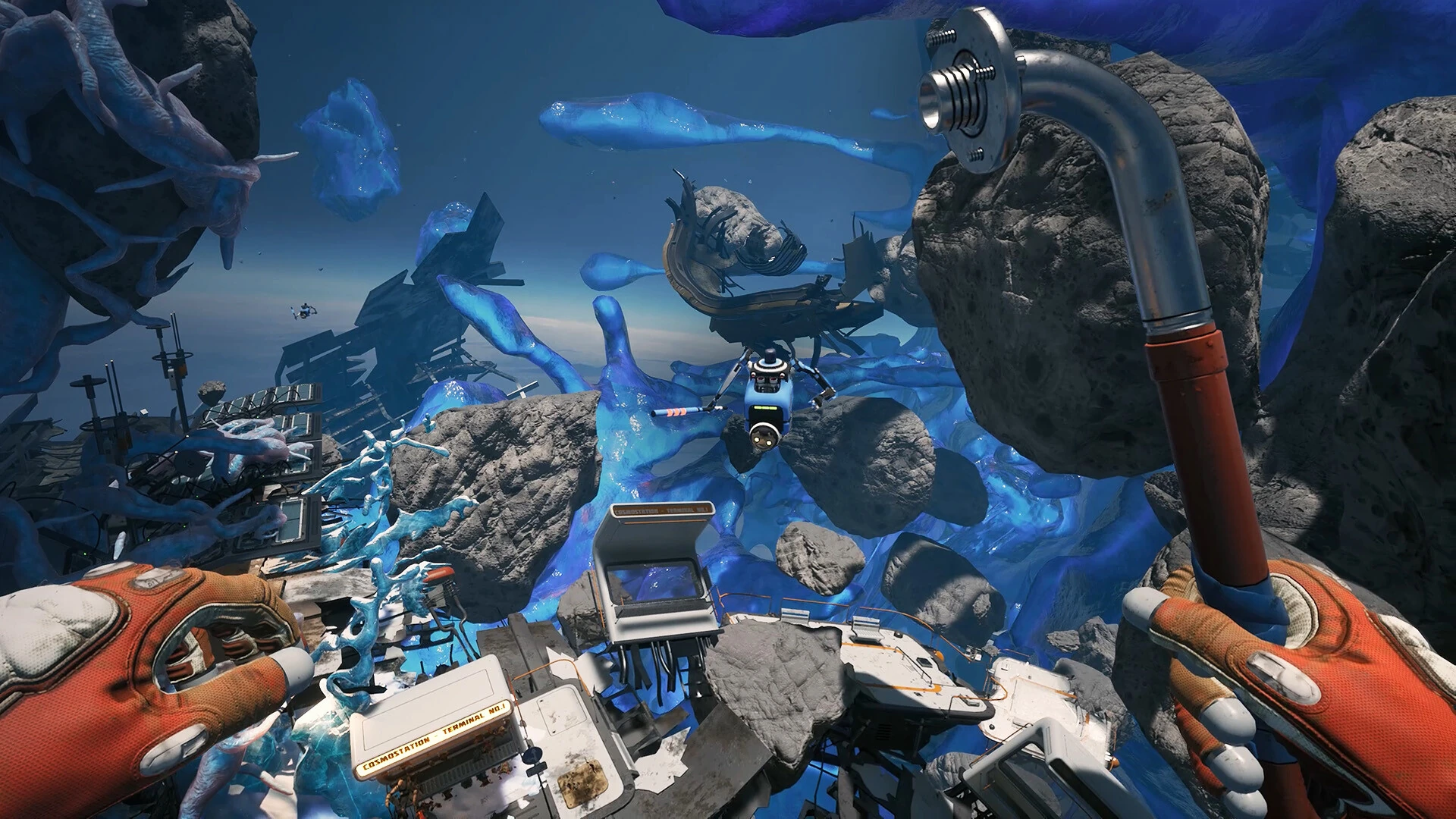
The first launch hotfix improved single and double doors' response to carried physics objects. The later 0.8.7 note addresses multiple-object logic that could close doors on the character when one object left the doorway. In practical terms, the doorway is an interaction area, not just empty scenery. An object crossing it can change the state of the door.
When a route allows it, move one object through at a time and place it beyond the opening before fetching another. Keep loose items out of the closing path. If the door behaves strangely, reduce the scene to one object and one clear movement before testing again. This is a way to isolate conditions, not a guaranteed workaround. If the problem only occurs with two particular objects, that detail belongs in the report.
Handle gravity transitions as a separate case
Version 0.8.5 corrected the yellow training dummy continuing to fall after being carried out of a gravity zone. It also addressed items falling through the character model on death within a gravity zone. These are specific physics situations. An object behaving unexpectedly at a gravity boundary deserves a description of which side of the boundary it started on and whether it was carried, released or moved another way.
Do not assume an object has vanished simply because it moved out of the expected frame. Reorient to the boundary and check nearby space while preserving your own route. If searching becomes unsafe or unproductive, stop and retain the save state for diagnosis. A report that says 'released while crossing this boundary, then continued falling' is much easier to investigate than 'physics broken.' Keep any screenshots centered on the relevant object and location.
Use the known clay-piece recovery clue
The clay-statue fix includes a concrete instruction for existing saves: pieces already stuck in installed parts may be found one meter above the intended position. Version 0.8.5 also prevents extra pieces from entering an already occupied slot. Check that small offset before broadening the search or assuming the quest item was deleted.
Because this advice addresses a particular bug, do not generalize it to every missing object. A taxi letter has a different official explanation, and a dropped physical object has its own movement history. Identify the object and the last interaction first. If the clay piece still cannot be recovered on the updated build, include the statue's current state and which pieces are already installed in the report. That gives the developer a way to distinguish an old affected save from a new failure.
Send the smallest reproducible case
The launch version includes an in-game reporting tool under Esc, then Report Bug, with an optional save attachment toggle. Use it when the problem persists. Describe the expected result, actual result and shortest steps you know. Attach the relevant save if you are comfortable doing so. Contact details are optional; the developer asks for them when follow-up might be needed, but they are not a prerequisite for describing the issue.
A useful physics report preserves the conditions instead of replacing them with speculation. Mention the object, door or transition, your version, and whether the issue repeats. Avoid asserting a universal save corruption problem from a single stuck object. The aim is to recover your run where possible and give the team enough evidence to address the particular failure. Careful isolation is usually faster than trying a long list of unrelated fixes.
Describe the state before describing the cause
A useful diagnosis begins with what can be seen. Write that the object crosses the doorway and the door closes, or that the character cannot move after the scene, rather than starting with a theory about broken collision code. The observation is something another person can test. The theory may be wrong and can distract from the conditions that actually matter.
Include the action immediately before the problem. Carrying an object, releasing it, turning the camera and loading a save are different transitions. If the issue appears only after several actions, write those actions in order without adding unrelated exploration. Keep the sequence short enough that you could repeat it yourself. This does not require technical knowledge. A clear account of ordinary inputs and visible results is often more valuable than an elaborate explanation using engine terminology that does not match what happened.
Distinguish a trapped object from a trapped character
If the object cannot move but the character can, first preserve your own position and inspect the object from another angle. If the character cannot move either, check whether the menu responds before making further changes. Those observations separate a local handling problem from a broader loss of control. Do not keep adding force simply because it is the only action you tried initially.
When the character remains free, move to a place with a clear view and identify what touches the object. It may be useful to remove unrelated loose items from the immediate area if that can be done without losing anything important. When the character is stuck, repeated movement may make the state harder to understand without solving it. Record the available controls and preserve the relevant save. This guide does not promise that an object can always be recovered physically; it gives you a way to establish the scope before choosing the next step.
Isolate one doorway interaction at a time
For a repeatable door problem, reduce the test to one approach, one object and one direction. If that works, add the condition associated with the failure, such as a second object or a different angle. You are looking for the smallest difference that changes the outcome. This makes a useful report and can reveal a practical way to proceed without asserting that you fixed the underlying bug.
Avoid changing the tool, object, approach and save all at once. If the next attempt works, you will not know which difference mattered. Instead, preserve a short record of each comparison. A statement such as 'one object passes normally; the same approach with another item already in the opening causes the door to close' gives much more information than ten unrelated failed attempts. Stop testing when the condition is clear. You do not need to reproduce the failure dozens of times to make the report convincing.
Keep important quest objects out of uncontrolled experiments
When learning how an unfamiliar interaction behaves, use a low-consequence setup if one is available. Do not make the only known quest object the first item you push through a complicated collection of loose props. Inspect the path, clear a place to release the object and avoid mixing it with similar items while testing. These are organization choices, not a claim about which objects the game protects from loss.
If an important object does become stuck, record its identity and last visible position before trying a recovery. Check the relevant quest state so you know whether the game already registered the required action. Sometimes the practical problem is finishing an interaction; sometimes it is retrieving an object for a later step. Those require different evidence. Do not assume that dropping or moving the object is harmless unless the current task makes that clear. Preserve the state before attempts that might make its location harder to trace.
Test an older save without confusing the result
If you have an earlier save and choose to compare it, note which point it represents and what you expect the comparison to show. A clean load from before the interaction can help establish whether the failure depends on the later state. It does not prove that the current save is permanently unusable or that the problem cannot recur. Keep those conclusions separate.
Repeat only the relevant sequence after loading. Taking a different route, moving several new objects and completing another quest before the test changes too many conditions. If the failure does not recur, record the difference you know about and avoid guessing at the rest. If it recurs reliably, the earlier save may be particularly helpful for a report because the developer can start before the triggering action. Make sure you retain the progress you care about before allowing any test to overwrite it.
Record a useful screenshot or short sequence
A screenshot should show the relationship involved in the failure: the object and opening, the character's position or the relevant prompt. A close-up of a texture without surrounding context may be visually clear but diagnostically weak. If several images are needed, use a before-and-after pair and explain the action between them. Keep unrelated personal information and other applications out of the capture.
A short recording can be useful when timing is the issue, but it should begin just before the relevant action rather than contain an entire play session. State which moment matters. If you cannot record, written steps are still valuable. The goal is to make the visible result understandable to someone who has not seen your screen. An accurate small example is better than a dramatic compilation that combines several different failures without identifying how each occurred.
Separate temporary success from a durable workaround
An object passing through a doorway once after a reload is a useful observation, but it is not enough to recommend reloading as a guaranteed solution. Describe exactly what worked and on which state. If you share it, use language that preserves the uncertainty. Other players may have a different object arrangement or a save affected by a separate issue.
A practical workaround should be narrow and reversible where possible. For example, a less cluttered approach may let you complete the current handling task, but it does not establish that every doorway problem is caused by clutter. Avoid instructions that sacrifice progress or delete files unless there is a verified reason. The aim is to continue safely with the information available, then report the unresolved behavior if needed. Overconfident advice can turn a manageable local issue into a much larger recovery problem.
Know when to stop manipulating the scene
Once the condition is reproducible and you have preserved the useful state, further experimentation may offer little benefit. If every attempt leaves more objects in awkward positions or makes the character harder to recover, stop. Use another available route or save only if it preserves the progress you want, or set the task aside until a relevant fix arrives.
On returning after an update, begin with the same small reproduction rather than a new improvised sequence. Check whether the documented symptom changed and record the result. This makes it possible to tell when the issue is resolved. Careful physics troubleshooting is not about finding a clever exploit for every obstruction; it is about keeping the scene understandable, protecting useful progress and giving the developers a test they can actually run.
If another player reproduces the same symptom, compare the object and trigger before combining the reports. Similar screenshots can conceal different causes. Matching the steps is stronger evidence than matching the appearance of a character stuck in a doorway.
Sources & verification
This article combines cited facts with practical editorial advice. Follow the version and uncertainty notes before applying an older route.