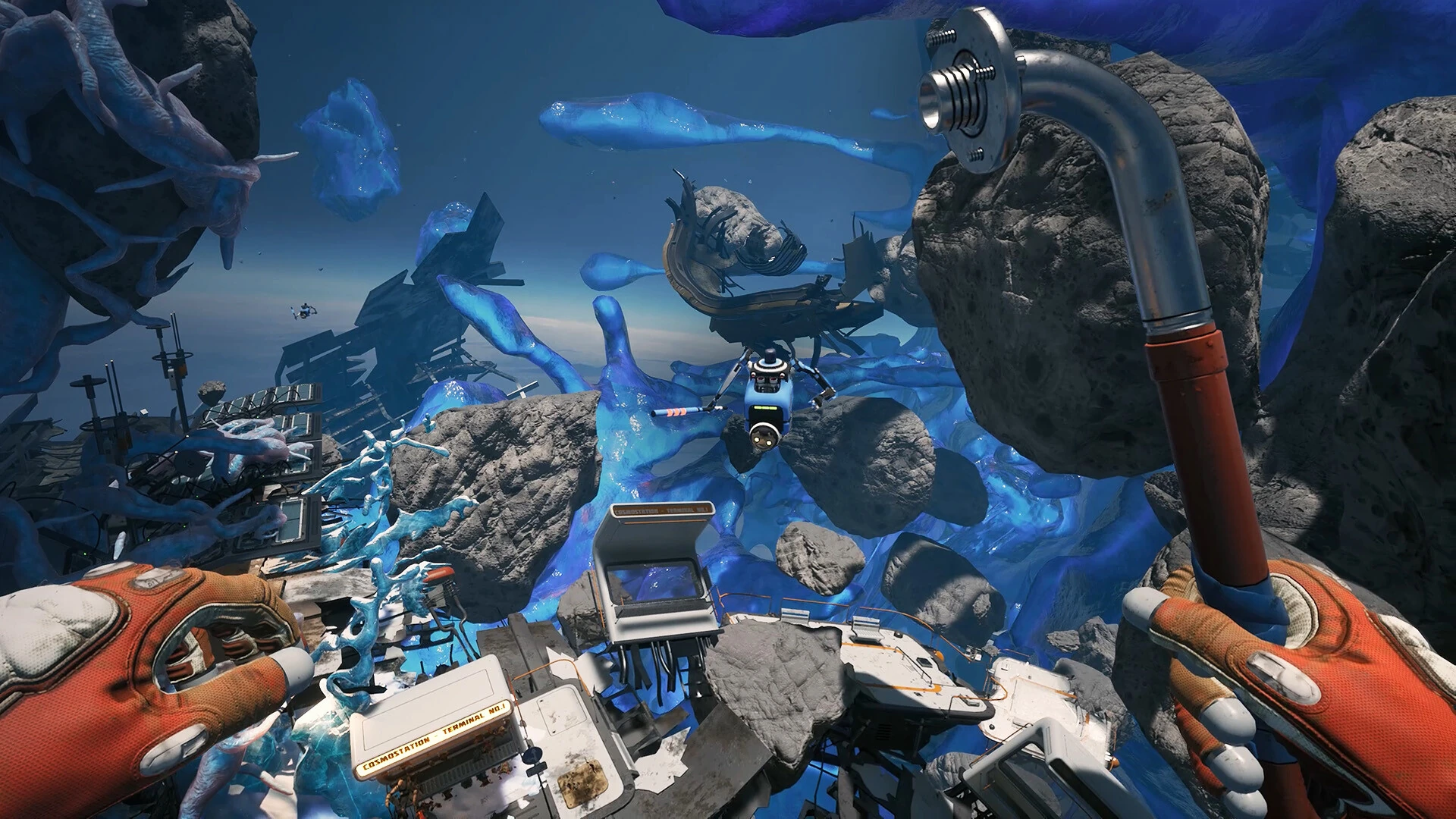
Read hotfix dates, distinguish demo instructions and validate a guide before spending scarce resources.
Version mismatch can look like a puzzle
When an instruction appears impossible, check its date before assuming you missed an object. Breathedge 2 has public demo material, launch coverage and later hotfix notes in search results at the same time. A highly ranked page can therefore describe a different arrangement from the one you are playing.
Start with four identifiers: the game title, storefront, installed build and guide date. The original Breathedge and its sequel are separate games; a search query that includes only the series name can mix their advice. A video title that mentions the sequel may still show a demo rather than the current Early Access build.
Separate announcement date from installed state
An announcement tells you when information was published. It does not tell you when your computer completed the corresponding download. Check the launcher and the game's visible version information separately. A news item appearing in your library is not the same as a completed installation.
When asking for help, include both pieces if you have them: the update you believe is relevant and the build your game actually reports. If you cannot verify the build, say that and include the time of the last completed download. Do not borrow a number from a guide simply because its date looks recent.
Time zones can also make a date appear different without indicating a different patch. Use the full title or source link when comparing announcements rather than relying on a day number alone. You do not need to convert every timestamp precisely to recognize the same release; you do need enough identifying information to avoid confusing two separate posts published close together.
Classify the announcement before using it as a fix
An announcement may describe a hotfix, a development plan, a trailer, a sale or a request for feedback. Read its purpose before turning it into gameplay advice. A feature described as planned does not establish a current interaction, and a trailer showing an activity does not necessarily document its exact implementation in your build.
For a hotfix, identify the symptom and conditions named in the note. For a balance change, identify which mode or system is affected. For a roadmap, identify the future tense and any uncertainty. Keeping those categories separate prevents an article from mixing current instructions with a wish list.
If a guide cites a source, open the specific post rather than assuming the citation supports every sentence nearby. A source can establish that a tool interaction changed while saying nothing about a claimed resource quantity. Read the evidence at the same level of detail as the action you are about to take, especially when that action consumes items or advances a quest.
Check the article's update claim
An updated date can mean the author revised the whole article, corrected one line or changed a template. Look for a description of what was checked. A strong guide connects the update to a visible change or source, rather than adding a recent date to advice that still references old behavior.
If the article includes both current and historical information, read the labels carefully. Historical context can explain why an older video differs, but it should not become your active route. Keep a short note of which section applies to your build so that you do not alternate between incompatible instructions.
When no version information is available, treat the guide as a hypothesis to test with low-risk observations first. Compare the starting location, objective and available interaction before committing resources. If those prerequisites do not match, stop and seek a current source. This is more efficient than following several steps until the mismatch becomes expensive to undo.
Use a three-column evidence note
For a difficult problem, make a note with three fields: official statement, what your game shows, and unresolved question. The first field should be a brief paraphrase with a link. The second should be your own observation. The third should state the difference that still needs explanation.
For example, the source may describe a corrected interaction, while your game still shows no usable prompt at that object. The unresolved question is then whether you have the right build, prerequisite or object. It is not automatically proof that the developer's note is false. This structure keeps multiple explanations open until you can distinguish them.
Use the same note when posting a report. It lets another player see where the evidence ends and your inference begins. If the problem later resolves after an update, you can add the result without rewriting the whole history. The note becomes a compact record of the investigation rather than a collection of disconnected links and screenshots.
Distinguish a changed rule from a missing prerequisite
When an old instruction fails, first compare the situation it assumes. Does the guide begin after an earlier quest, with an upgraded tool or at a different object? If those conditions are absent, the failure may be a prerequisite mismatch rather than a patch change. Do not invent the prerequisite; look for it in the game's visible objective or a supported guide.
If the conditions match, check official notes for the relevant interaction. When a change is documented, use the new rule and retain the old instruction only as historical context. When no change is documented, describe the mismatch without claiming that the patch definitely caused it.
This decision order matters because players often search for a bug after trying only one action. A quick comparison of object, tool, objective and version can reveal a simpler explanation. It also produces a better bug report when the problem remains, because you can state which plausible mismatches you already checked instead of asking support to begin from an unspecified failure.
Keep screenshots tied to their context
A screenshot can show an item or objective clearly while omitting the build and route that produced it. When saving an image for later reference, add the date, game version if known and a short description outside the image. Do not alter the game's displayed text to make it match the guide.
For video, note whether the creator identifies the footage as demo, preview or current release. An upload date alone is not enough, since footage can be recorded earlier. If exact placement matters, compare the environment and starting objective before relying on the route.
When sharing an old image in a current discussion, identify it as old. Historical media can be valuable for explaining a change, but unlabeled reuse can make a moved object look like a newly missing one. Clear context prevents players from spending time searching an outdated arrangement and keeps legitimate bug discussions focused on the current build.
Do not force a rollback merely to match a guide
If an article requires an older version, ask whether its advice is worth following at all. A current route is usually a better target than changing the installation to recreate outdated behavior. This guide does not assert that the game offers a rollback branch or that saves are compatible across versions.
Changing branches or replacing executable files can affect more than the single interaction you want to test. Use only options actually offered by the storefront or instructions from official support, and preserve relevant progress before making a change. Do not download an unofficial old executable to reproduce a video.
For research, an older version may have a legitimate historical purpose, but that is different from ordinary player guidance. Keep its findings labeled and avoid transferring them to current articles without rechecking. The player-facing question remains what works now on the installed build, not whether an old route can be made true under a different set of conditions.
Decide when you have enough evidence to continue
You can continue confidently when the guide's starting conditions match, the relevant interaction is visible and the advice agrees with the current source. You do not need to prove every sentence in a long article before taking a simple, reversible action. Focus verification on the part that matters to your next decision.
You should pause when the instruction requires an unverified resource cost, a missing feature or a change to files or saves. In those cases, the cost of being wrong is higher and the evidence should be stronger. Seek the source or ask a precise question about the missing condition.
If you discover an error, report the smallest correction that makes the article useful: the current tool, the changed placement, the affected build or the missing prerequisite. Include your evidence and avoid broad claims about the whole guide. A focused correction can help the next player immediately, while a general accusation leaves the actual instruction unchanged and the same confusion ready to repeat.
Read the change, not just the patch number
A newer version number tells you that an update exists; the notes tell you whether it affects your problem. Look for the object, quest or action involved. If the notes describe an unrelated display fix, they do not establish that an item location moved. Avoid using the word patched as a general explanation for anything that differs from a guide.
The September 4 Hotfix 0.8.7 is a useful example: it clarifies that taxi letters are spread around a 20-meter area instead of the demo's single pile. If a demonstration shows the pile, the mismatch has a documented explanation. Search the surrounding area rather than repeatedly restarting because the exact old arrangement is absent.
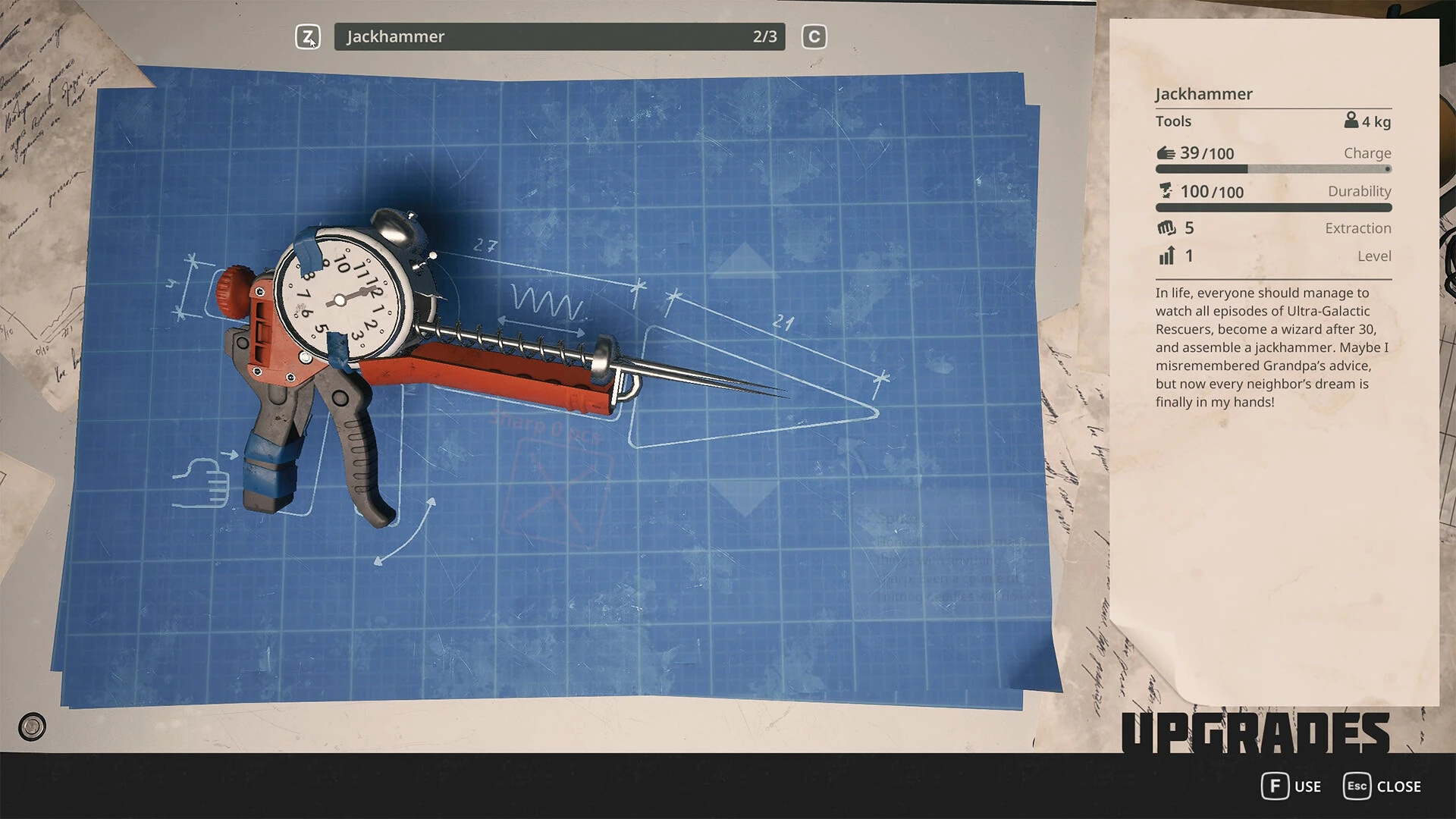
The patch also specifies the Twister for certain dismantling interactions. If an older clip uses another tool, match the current interaction and official note rather than imitating the clip frame for frame. This is a concrete reason to keep tool advice dated.
Verify the installation before reporting a regression
Check your storefront for a pending update and allow it to finish. Reopen the game and record the version information it exposes. Do not assume a guide's latest-version badge proves your own installation is current. Offline play, unfinished downloads and different storefront timing can make that assumption unreliable.
If the version is not obvious, include the storefront and the time of your last completed update in your report instead of inventing a number. Be explicit about what you know. A support discussion can still be useful when the build identifier is unavailable, provided you do not present uncertainty as a confirmed match.
Repeat only the smallest relevant action after updating. There is no need to replay an entire chapter to discover whether a cursor now appears or a resolution setting stays selected. A focused test is quicker and produces cleaner evidence.
Evaluate guides by their evidence
A helpful guide explains where its information comes from and distinguishes observation from suggestion. Prefer a clear screenshot of the relevant interaction, a dated developer note or a route described in enough detail to verify. Treat unsupported exact numbers and claims of a complete map cautiously, especially when the same page says the game is still developing.
A page can be useful without covering everything. Conversely, a long article with many headings can still repeat outdated advice. Ask whether the text answers the action you need to take now: which tool, which area, what prerequisite and what changes if the instruction fails. Length alone does not provide those answers.
Keep a small personal note when a guide works: article link, date, game build and any difference you noticed. If it does not work, describe the mismatch constructively. That lets other players update the route without turning one uncertain observation into a rumor that a quest is broken for everyone.
A compact example of a version investigation
Imagine a guide shows a nearby object being dismantled, but your tool produces no result. First identify the object and the action rather than assuming the whole route is obsolete. Check the visible objective and your tool, then compare the guide's build. If an official note documents a changed tool requirement, follow that current requirement. If no such note exists, preserve a screenshot of the prompt and ask whether another prerequisite is missing.
Now imagine the same guide also contains useful directions to reach the area. The incorrect interaction does not necessarily invalidate the navigation. Keep the verified part and replace only the unsupported step. This is how a guide can be corrected efficiently without either trusting it blindly or discarding every useful observation.
Finish by recording the source and the result of your current test. That short note can be shared with the author or another player and becomes stronger evidence than a comment saying the page is outdated. It identifies exactly what changed, what still works and what the reader should do next.
Sources & verification
This article combines cited facts with practical editorial advice. Follow the version and uncertainty notes before applying an older route.