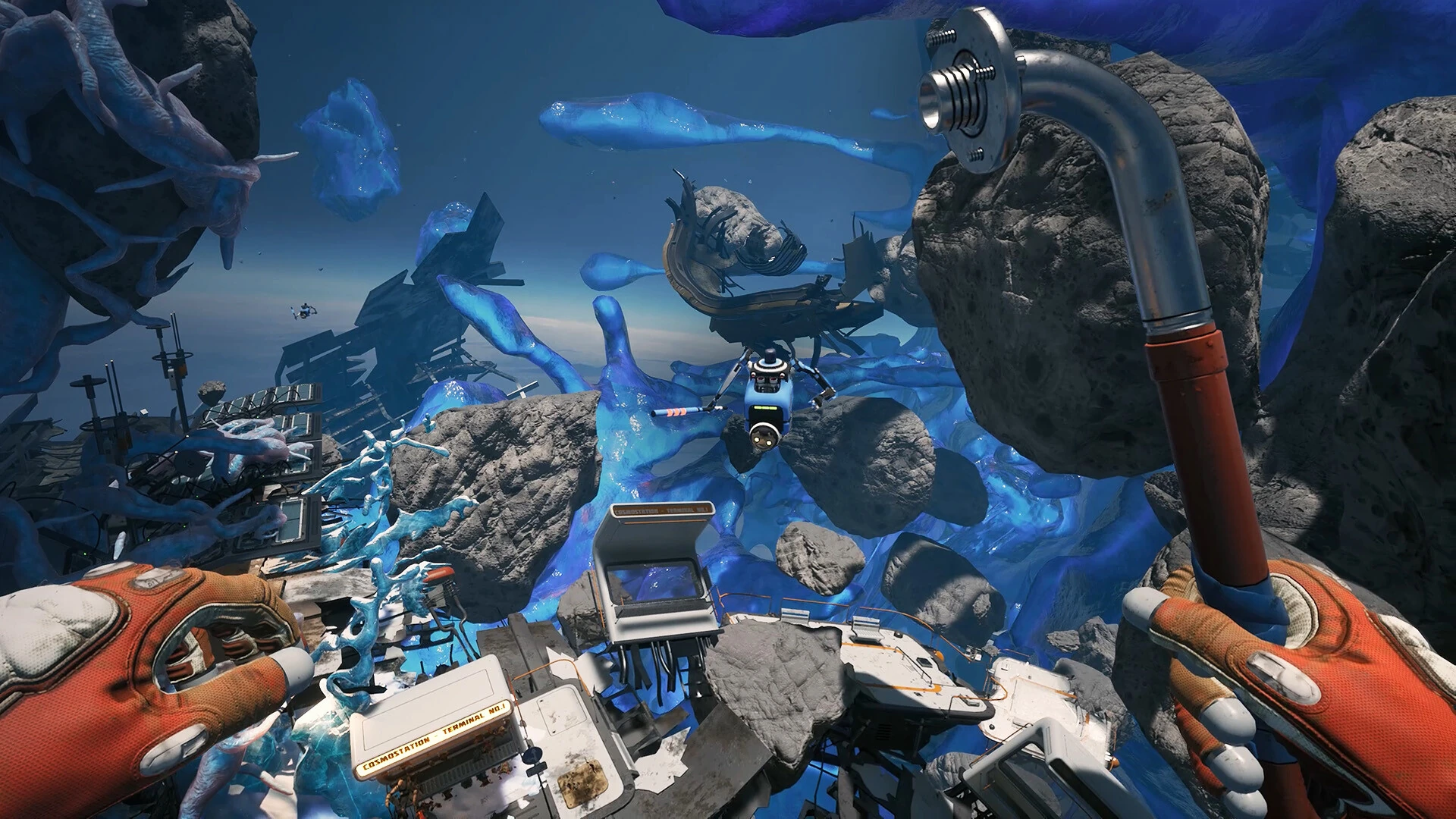
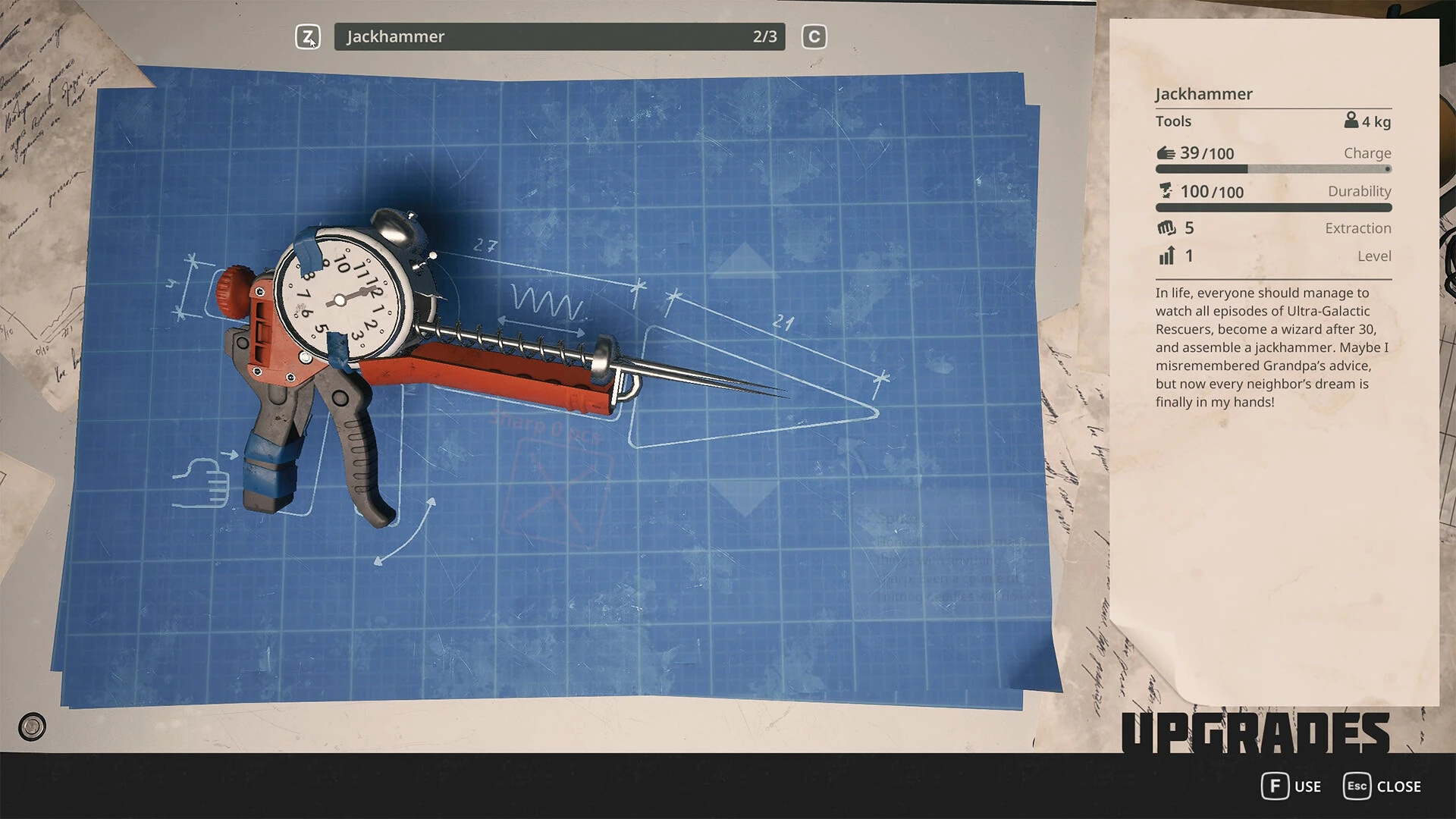
Build a concise report with a version, minimal reproduction, clean screenshots and the right distinction between bugs and balance feedback.
Start with one problem
A useful bug report describes a single failure clearly enough that another person can try it. Lead with the action and result: opening a particular menu hides the cursor, for example, or loading a session places the character below the floor. Avoid beginning with several paragraphs about the whole game. The person reading needs to know what to reproduce.
Separate a technical failure from a preference. A button that does nothing, an objective that does not advance and a survival meter that feels too demanding are different kinds of feedback. All can be worth reporting, but they need different evidence. A balance complaint should explain the experience you want; a bug report should explain the expected behavior and what happened instead.
Choose the report destination by the failing layer
A game quest, a launcher purchase problem and a graphics-driver installation failure need different support teams. Describe the layer that is failing before choosing a destination. If the game runs but an objective does not advance, begin with the developer's reporting channel. If the storefront cannot complete a download, begin with the platform's support.
For a suspected graphics-driver issue, the hardware vendor may need a separate report. AMD provides a Bug Report Tool that collects system details and accepts reproduction steps and attachments. That tool sends information to AMD; it is not a substitute for telling the game developer about a quest or saved-session problem. Use it when the evidence or support guidance points to the graphics or system layer.
Avoid posting identical large reports everywhere without context. If two support teams are involved, explain why and preserve their separate case identifiers privately. A concise cross-reference can prevent duplicated work, while a public dump of every email and attachment can expose information without helping anyone understand the technical boundary.
Build a title that can be found later
A good title combines the visible symptom with the trigger. For example, menu cursor disappears after connecting a flight accessory is easier to recognize than please fix the game. Include a build only when you have verified it. Do not put an untested theory in the title as if it were established fact.
For a quest report, use the visible objective or object name and state the failure. Avoid spoilers in the title when the reporting channel allows a spoiler flag or a more neutral description. You can put the necessary progression details in the body for people investigating the issue.
Search the key terms before posting. If you find an existing report that matches the same trigger, compare its build and outcome. Add your evidence there when appropriate instead of creating another nearly identical thread. If your reproduction differs materially, explain the difference. Similar symptoms can have different causes, so neither automatically merge unrelated reports nor insist that every new observation requires an entirely separate conversation.
Write expected and actual results as a pair
The expected result should come from an interface instruction, normal prior behavior or a clear game rule, not merely what you wish would happen. If you are unsure whether the behavior is intended, frame the report as a question and explain the ambiguity. This leaves room for clarification without weakening the usefulness of your observation.
The actual result should describe what appears on screen or what input remains possible. The objective text stays unchanged after this interaction is more useful than the mission is completely broken. If you can still move, open menus or load another session, include that information; it distinguishes a progression blocker from an application freeze.
Keep the pair close together in the report. A reader should not need to reconstruct the expected action from several paragraphs of history. Follow with the reproduction steps and then optional context. This order makes the report easier to scan and allows the investigator to test the central claim before considering less certain details.
Distinguish a reproduction from a route diary
A route diary records everything you did. A reproduction contains the smallest sequence needed to trigger the problem. Begin with your diary if that is all you have, then identify which steps are definitely required, possibly relevant or merely happened earlier. Do not erase uncertain context; move it to a separate note.
If testing is safe, vary one suspected prerequisite. For example, compare the interaction before and after an optional accessory is connected, or compare one affected session with another existing session. Do not start a new campaign or sacrifice valuable progress solely to produce a cleaner report. A saved state can be a better starting point than replaying hours of actions.
Be explicit when your reproduction depends on a particular session that you cannot reduce further. The investigator may need that session rather than a longer written route. Preserve it, describe the immediate steps after loading and provide it privately when requested. This keeps the report practical even when the underlying trigger occurred much earlier than the visible failure.
Report frequency without overstating confidence
Use observations you can count or describe. The issue occurred on two consecutive loads is clearer than always broken. The issue happened once after a long session is clearer than randomly crashes all the time. You do not need a large sample to submit a useful report, but you do need to state what you actually observed.
If a later attempt works, add that result. Intermittent behavior is valuable information, especially when it differs by session, location or attached device. Do not hide a successful attempt because you worry it makes the original problem less credible. The goal is to help identify conditions, not win an argument about whether the game is good.
When another player reports a different outcome, compare context rather than treating it as a contradiction. They may have a different build, route, input setup or save state. Ask for the relevant details and keep your own report specific. A disagreement between two documented setups can provide a useful lead; an exchange of universal claims rarely does.
Prepare screenshots and recordings with a purpose
Steam documents its screenshot function and the overlay requirement for that feature. If your configured capture method works, use it to show the relevant error or interface. A capture failure is a separate issue; you can still describe the symptom or use another ordinary capture method available on your computer.
Before recording, decide what the viewer needs to see: the starting state, the input sequence and the result. A short clip with those elements is easier to inspect than several minutes of unrelated play. If the error disappears quickly, a recording may help preserve its exact wording without repeated risky attempts.
Review the file before sharing it. Check that text is readable and that the evidence actually shows the reported issue. Remove unrelated private desktop content from the shared copy, while retaining the original if support later needs context. Do not add edits that obscure the order of actions or make separate attempts appear continuous. Clear evidence should reduce uncertainty, not create a more persuasive but misleading story.
Use attachments and diagnostics sparingly
More data is not automatically better. Start with the information that matches the problem: device details for input, display mode for resolution, objective and session for progression. If support asks for logs or a diagnostic export, provide the requested material and label the event time. Avoid uploading an entire user folder as a shortcut.
AMD's report tool offers a local copy of submitted information and a driver-history field. Those features illustrate useful habits even outside that tool: keep your own report and record whether the issue appeared only after a software change. This article does not claim that every crash needs an AMD report or that the tool can diagnose non-AMD hardware.
For any private attachment, check the receiving channel and access permissions. Share only with the intended support recipient, and avoid public links when a file may contain personal information. Keep the original evidence unchanged and send a copy. If a support team requests a different format, note that request so you can distinguish their diagnostic requirement from an arbitrary workaround found elsewhere.
Follow up with a result, not just another complaint
When support suggests a test, report the starting version, the step taken and the outcome. If the symptom changes, describe how. Reaching the menu but still failing to load is a different result from failing before the window opens. These distinctions let the investigator decide whether the next question belongs to the same failure path.
If an update resolves the issue, say which update and how you checked. If it remains, provide the same minimal reproduction on the new version instead of rewriting the entire history. Keep earlier evidence available so the change can be compared.
If you no longer have the affected session or cannot repeat the issue, state that limitation. Do not manufacture a clean reproduction to keep the report active. A truthful closing note helps future readers understand how much was verified. It also preserves trust in the useful information you already contributed, even when the investigation ends without a definitive explanation for the original event.
Record the smallest reliable sequence
Write the starting condition, then the actions in order. Include only steps that matter to the failure. If you do not know whether an earlier event matters, put it in a short context note instead of burying the reproduction inside a full account of your play session.
Try the sequence again only when doing so will not risk important progress. If it happens twice from the same state, say so. If it happened once and you cannot reproduce it, say that instead. An honest one-time report is more useful than a confident claim that every player will encounter the same problem.
Include the build, storefront and relevant device information. For an input issue, name the controller and other attached accessories. For a display issue, record the selected resolution and what the game actually displays. For a quest issue, state the visible objective and the interaction that failed to advance it.
Check for a matching developer note
Read recent official announcements before filing a duplicate report. A known fix can save you time if the installation is behind, and a known issue may already have a requested diagnostic format. If the problem remains after the relevant update, mention that explicitly and describe your retest.
The September 4 notes direct players experiencing falling-through-world saves to info@breathedge.com. Preserve the affected session and provide it privately when requested. For other symptoms, inspect the official discussion hub for the appropriate current instructions; a contact for one reported problem does not replace every other support route.
Attach evidence that answers a question
A screenshot should show the relevant interface or error clearly. A short recording should start early enough to show the triggering action and stop once the result is visible. Neither needs your entire desktop, account page or unrelated conversation. Review the attachment before posting it.
Keep the original file when preparing a cropped image. If support later needs more context, you can provide it without trying to recreate the issue. For logs and archives, inspect the contents and share only what was requested. Never include passwords, authentication files or unrelated personal folders in a public report.
When you describe an error, preserve its exact text. When you describe a theory, label it as a theory. Saying that a problem began after connecting a controller is an observation; saying the controller driver definitely corrupted the save is a causal claim that needs much stronger evidence.
Close the loop after an answer
If a requested step works, report the result and the version used. If it does not, say what changed and what stayed the same. This lets the developer distinguish a partial improvement from no effect and helps other readers avoid repeating an unsuccessful path.
Keep follow-up comments in the same discussion when possible. Starting a new thread for every attempt separates the evidence and makes the history harder to understand. A short final note identifying the working update or remaining reproduction is valuable to the next player who searches for the same symptom.
Keep a final copy of the report title, date and tested build in your own notes. If the same symptom returns months later, that record lets you describe it as a possible recurrence with a known history instead of starting from a vague memory. Link the earlier discussion and explain what is newly observed.
If you discover that your report used the wrong game version, correct it explicitly. Leaving the old claim unqualified can mislead players who later search that version for known problems.
Sources & verification
This article combines cited facts with practical editorial advice. Follow the version and uncertainty notes before applying an older route.