Avoid mixed-up store listings, demo walkthroughs and future-feature promises when choosing Breathedge 2.
Confirm the title before comparing value
Search results for Breathedge can contain the original game, its sequel, collections and old demo coverage. Begin with the exact product you intend to play. On Steam, Breathedge 2 uses app identifier 2412960; the original uses a different listing. A discount on one product does not establish the price or contents of another.
Read the items included in a bundle instead of relying on its artwork. If you already own part of a collection, inspect the storefront's own purchase summary before deciding whether it suits you. This guide does not provide a live price comparison because regional prices and promotions can change between the time you read and the time you buy.
Write down the experience you are buying for
Before comparing prices, identify the part of the experience that matters most to you. It might be the humor, a completed narrative, exploration, crafting or following an evolving project. Different priorities produce different purchase decisions, even when two players agree about the game's current features.
Keep must-have requirements separate from preferences. A supported language or compatible computer may be necessary; a particular optional activity may simply be attractive. If a necessary condition is unverified, resolve it before treating a discount as a reason to buy quickly.
This also helps when reading reviews. A reviewer who dislikes the survival pace may be describing exactly the kind of pressure another player enjoys. Look for the reason behind the recommendation rather than counting positive adjectives. You are trying to decide whether the current product fits your use, not whether it can be declared good or bad for every possible player.
Read Early Access as a present purchase
Valve's Early Access explanation emphasizes the playable state available now and distinguishes it from a pre-purchase. Use that as the basis of your decision. Future plans can be interesting, but they should not supply the only feature that makes the purchase worthwhile to you.
Read the developer's current-state answer separately from its future-version answer. The first describes what you can access; the second describes intended development. If the activity you want appears only in the latter, mark it as a reason to revisit the game later rather than as a feature you have already bought.
Avoid converting an approximate development duration into a promised release date. A forecast can change, and a guide should not remove that uncertainty. If you prefer to wait, choose a concrete milestone to check, such as an official announcement that the relevant content is available. That is more useful than repeatedly searching for a speculative date and treating every prediction as confirmation.
Compare bundles by their actual contents
A collection name can sound comprehensive without answering which applications or extras it contains. Read the item list and identify the base game you want. Keep soundtracks, cosmetic extras or other included products separate from playable content when deciding what matters to you.
If you already own one item, inspect the storefront's current purchase summary rather than assuming every bundle handles existing ownership the same way. Do not rely on a screenshot of another person's price, especially if their region or owned library differs from yours. The checkout details for your own account are the relevant evidence.
For a gift, verify the recipient's intended platform and language needs without assuming they match yours. A fan of the original may still prefer to wait for the sequel's development, or may use a computer that does not meet the sequel's requirements. A thoughtful product check is more useful than treating series familiarity as proof that every edition or timing is suitable.
Treat platform claims as specific claims
A listing for Windows does not by itself establish a console release, native support for another operating system or a particular handheld compatibility result. Look for the exact platform statement from an official source. A database entry, rumor or older trailer may not reflect the current release.
If a platform is essential to your decision and the official evidence is missing, leave it unconfirmed. Do not infer availability from the fact that the original game appeared on that platform. Sequels can have different release arrangements, and a guide should not turn series history into an announcement.
The same caution applies to features such as controller support, cloud saves or cross-store progression. Confirm the specific feature you need on the storefront you will use. A capability listed for one platform should not silently become a promise for every other one. When evidence is incomplete, a precise question to official support is preferable to an attractive comparison table built from assumptions.
Evaluate reviews for context and relevance
A useful review tells you what the player encountered and why it affected the experience. Read for concrete details about pacing, controls, current content or technical behavior. A review from an earlier build can still explain a preference, but its report of a fixed bug may no longer describe the current state.
Compare the review date with recent official updates. If a complaint concerns a specific issue, check whether the developer addresses it and whether later players report the same conditions. Do not assume a patch title resolves every criticism, but do not ignore a documented change either.
Avoid treating aggregate scores as a stable product specification. They can change as more players arrive and as the game develops. For your decision, a few detailed reviews relevant to your priorities can be more informative than a percentage without context. Keep the distinction between another person's experience and a guarantee of how the game will behave on your machine.
Use footage to answer a narrow question
A trailer is useful for presentation and tone, while an uninterrupted play segment can show how actions flow together. Decide what you want to learn before watching: whether you like the interface, the style of humor or the pace of moving between tasks. Do not expect one clip to verify every feature.
Check the footage's build context and avoid spoilers if story discovery matters to you. You can often evaluate movement and interface presentation without watching late progression. If the creator does not identify the version, treat exact routes and technical results cautiously.
For hardware expectations, ask whether the recording includes the relevant system and settings. A smooth-looking video can be captured under conditions unlike your own, and editing may omit interruptions. Use footage as one piece of evidence, then return to the official requirements and your own test plan. This keeps a polished presentation from becoming an unsupported promise about performance.
Avoid confusing completion with value
An unfinished game can offer worthwhile play for someone who enjoys its available content, while a finished game can still be a poor fit for a particular preference. Your decision should connect the current scope to what you want to do, rather than assuming that development status alone determines enjoyment.
If your priority is completing the narrative in one continuous period, an unfinished story is a material limitation. If you enjoy revisiting a game as it changes, updates may be part of the attraction. Neither choice requires predicting the final quality. State the preference clearly and evaluate the current product against it.
Be cautious with hour counts that are not tied to a play style or source. A completion estimate can vary with exploration, difficulty and optional activity. This article does not invent a campaign duration to make a price look better. Decide whether the known experience interests you and whether you are comfortable with its current limits.
Make the final decision reversible where practical
Before purchasing, read the storefront's current terms relevant to your situation rather than relying on an old guide's refund summary. This article does not provide legal or refund-policy advice. Keep the official product page and your own compatibility notes so you know what information informed the choice.
If you proceed, use the first session to check the needs you identified earlier: language, input comfort, readable interface and playable performance. Do not spend that session chasing an optional collectible while ignoring a fundamental compatibility problem. If a problem appears, document it clearly and use the appropriate support or storefront process.
If you wait, record the missing condition that would change your decision. Perhaps you need a particular supported platform, a completed story or a verified accessibility option. Then look for that specific official milestone when you revisit the game. This approach turns waiting into a clear choice rather than an endless cycle of promotional headlines, speculative comparisons and pressure from a temporary discount.
Understand what Early Access means here
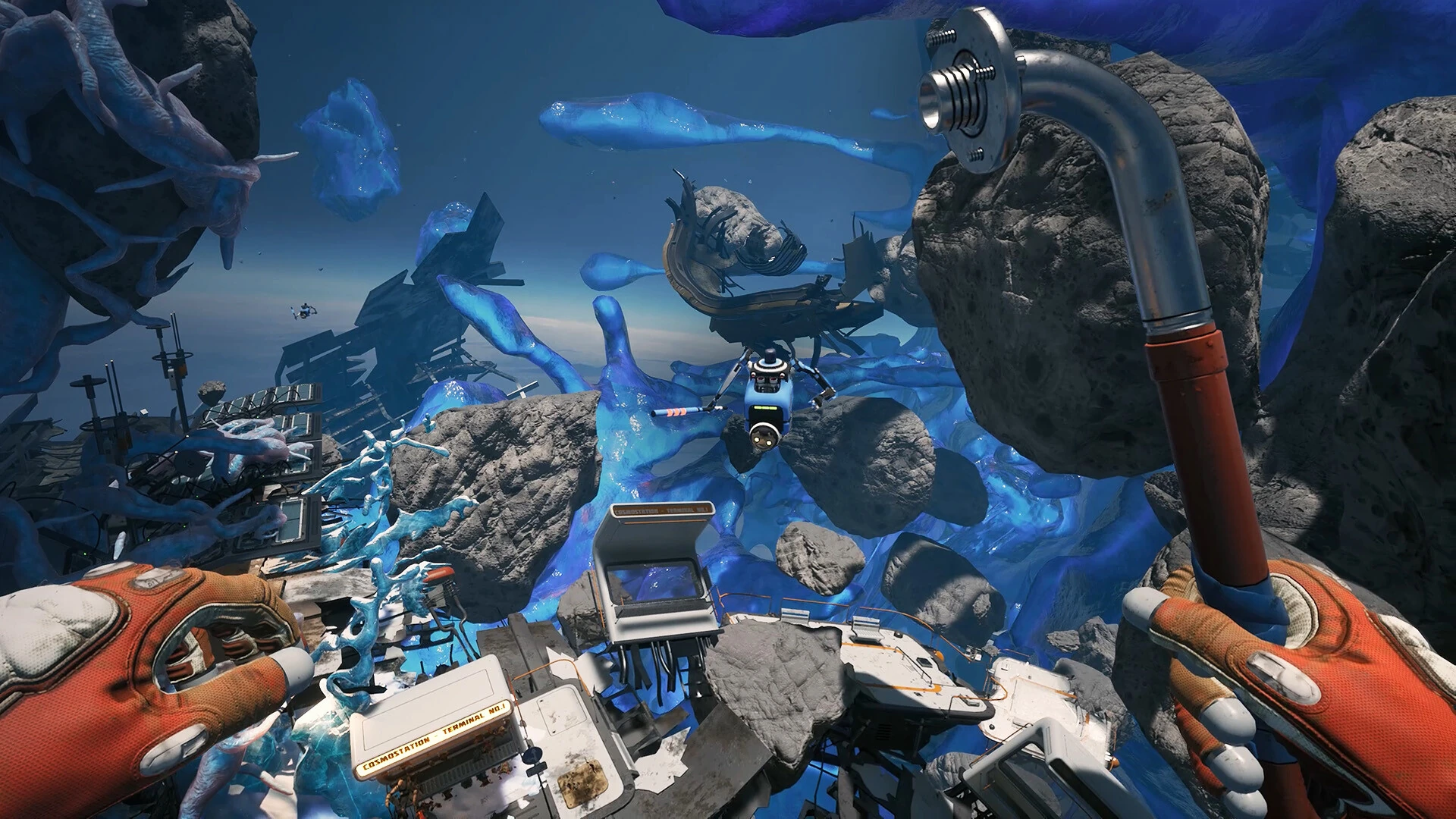
Breathedge 2 entered Early Access on August 31, 2026. The official description identifies the opening major story chapter as the currently available starting scope and makes clear that the story is unfinished. That matters if your main reason to purchase is to play a complete narrative without waiting.
Treat development plans as plans. A roadmap can help explain the direction of the game, but it is not a walkthrough for features already installed. Before buying for a particular activity, find an explicit statement that it exists in the current build rather than relying on a trailer or future-tense description.
If you enjoy following development, an incomplete game may fit your interests. If you want a finished story, use the current state to make that decision. Neither preference needs to be justified by a prediction about the final release. Buy for the experience you can verify now.
Do not transplant original-game instructions
A guide can be accurate for the first Breathedge and still be wrong for the sequel. Do not assume item locations, recipes, progression routes or technical fixes carry across because the series shares characters and themes. Check the article title, screenshots, date and source before spending time on its instructions.
Technical search results deserve the same care. A crash workaround written years before the sequel launched may concern the original executable or a different engine configuration. Applying it to Breathedge 2 without evidence can create confusion and makes a later support report harder to interpret.
When asking another player for help, include the full game title. A screenshot of the objective or object can further clarify the context. This is especially helpful in broad survival-game communities where a short question about the series name may attract well-intentioned advice for the wrong game.
Treat demo footage as historical context
A demo can show tone, visual direction and earlier systems, but its route is not automatically a current guide. Look for the version being demonstrated. If the creator does not identify it, compare the upload date with the release timeline and avoid assuming that exact object positions still match.
A useful current guide explains prerequisites and interactions rather than demanding that you reproduce an old camera path. If your environment differs, search the current objective and official updates. An apparent missing object may be a placement change rather than a failure of your installation.
Keep the same distinction when evaluating videos for performance. A recording from another build and computer cannot establish how the current game will run on your hardware. Use it as an example of presentation, then compare your specifications and test your own setup where possible.
Build a short purchase checklist
Before committing, verify the exact product, current development state, supported platform, game language and PC requirements. If you are buying primarily for controller use or a particular language, consult the official listing for those features instead of treating a translated fan site as product documentation.
Finally, choose the kind of help you need after purchase. A beginner route should tell you what to do next; a technical guide should help isolate a specific problem; a patch article should explain what changed. Keeping those purposes separate saves time and reduces the chance that an attractive but outdated page steers you toward the wrong solution.
A practical comparison note to keep
Your finished note can be only a few lines: exact product, storefront, reason you want it, necessary feature checks, current development limitation and your decision. For example, a player interested in an evolving survival project may accept incomplete story content but still need to verify controller comfort. Another player may have suitable hardware yet choose to wait because uninterrupted narrative completion is the main attraction.
Keep those reasons attached to the decision. If you later reconsider, you can check the condition that mattered instead of repeating every search. This also makes recommendations to friends more honest: explain why the game fits your priorities and which priorities would lead someone else to a different choice. A useful recommendation is specific enough that the other person can decide whether it applies to them.
Sources & verification
This article combines cited facts with practical editorial advice. Follow the version and uncertainty notes before applying an older route.